Every destination at once.
Your drives, Lightroom, Google Drive and Dropbox fill side by side, not one after another.
Automatic SD card backup for Mac, iPhone and iPad
Every photo and video on the card goes to every place you keep your work, all at once. Then Sync Shutter tells you when the card is safe to format.
Free on Mac, iPhone and iPad
The Mac app with a demo card: six destinations at once, nothing to click.
Your drives, Lightroom, Google Drive and Dropbox fill side by side, not one after another.
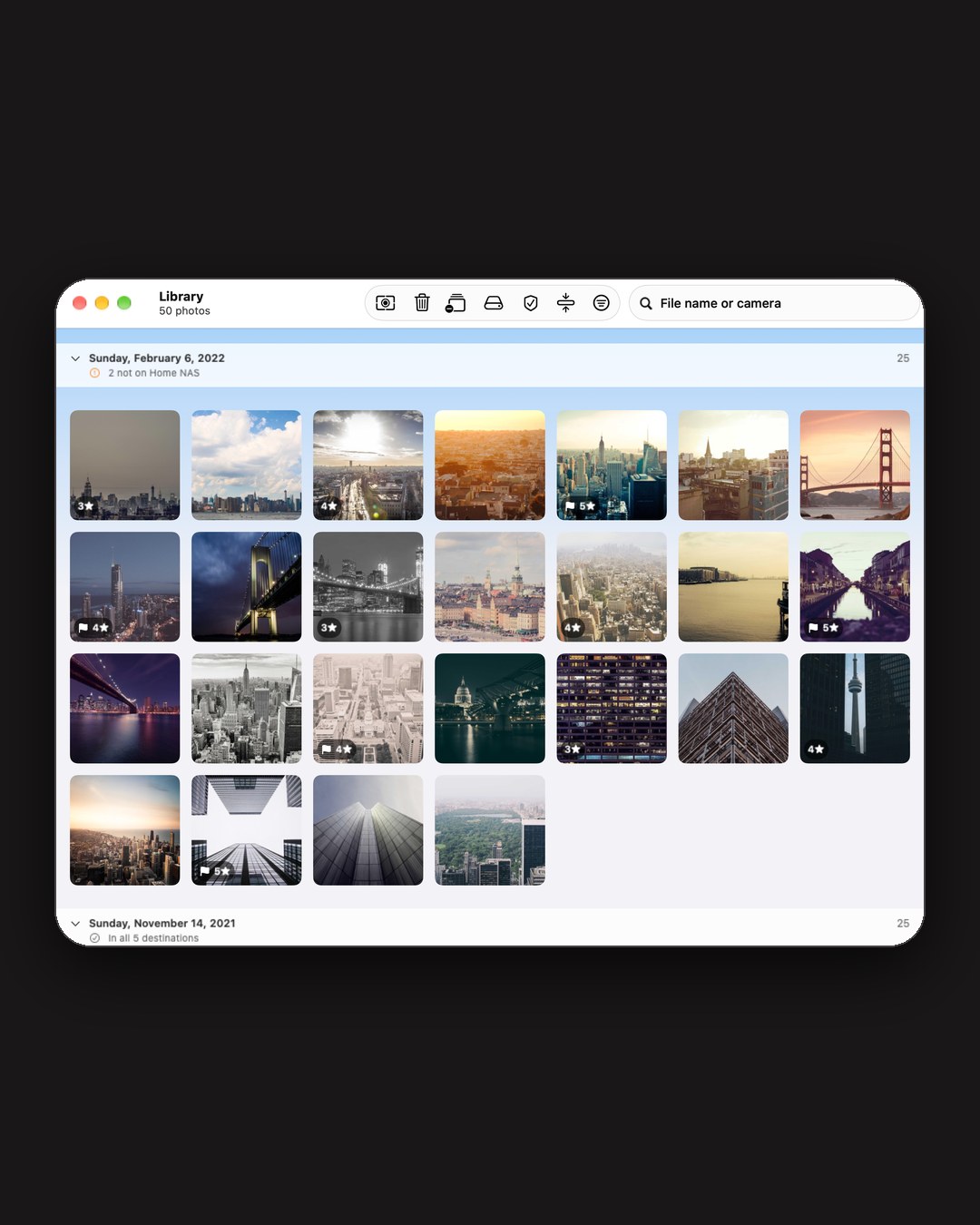
Put the same card back in and everything already backed up is skipped. Only the new shots are copied. Your Library groups every shoot and shows which ones aren’t on every destination yet.
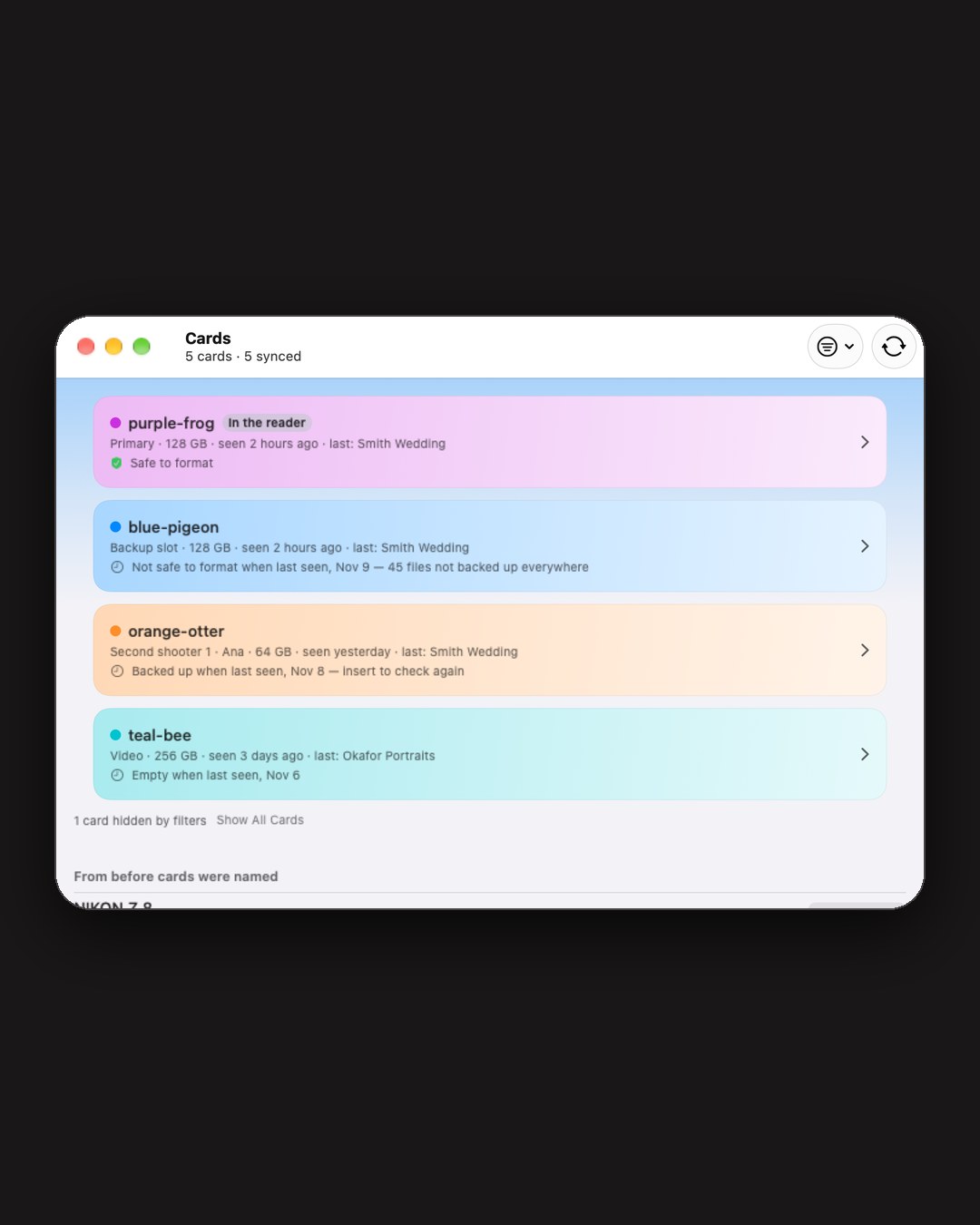
A new card gets a name you can write on it, like purple-frog, or one you choose. Each shows its role, like Primary or Second shooter, and whether it’s safe to format, on every device.
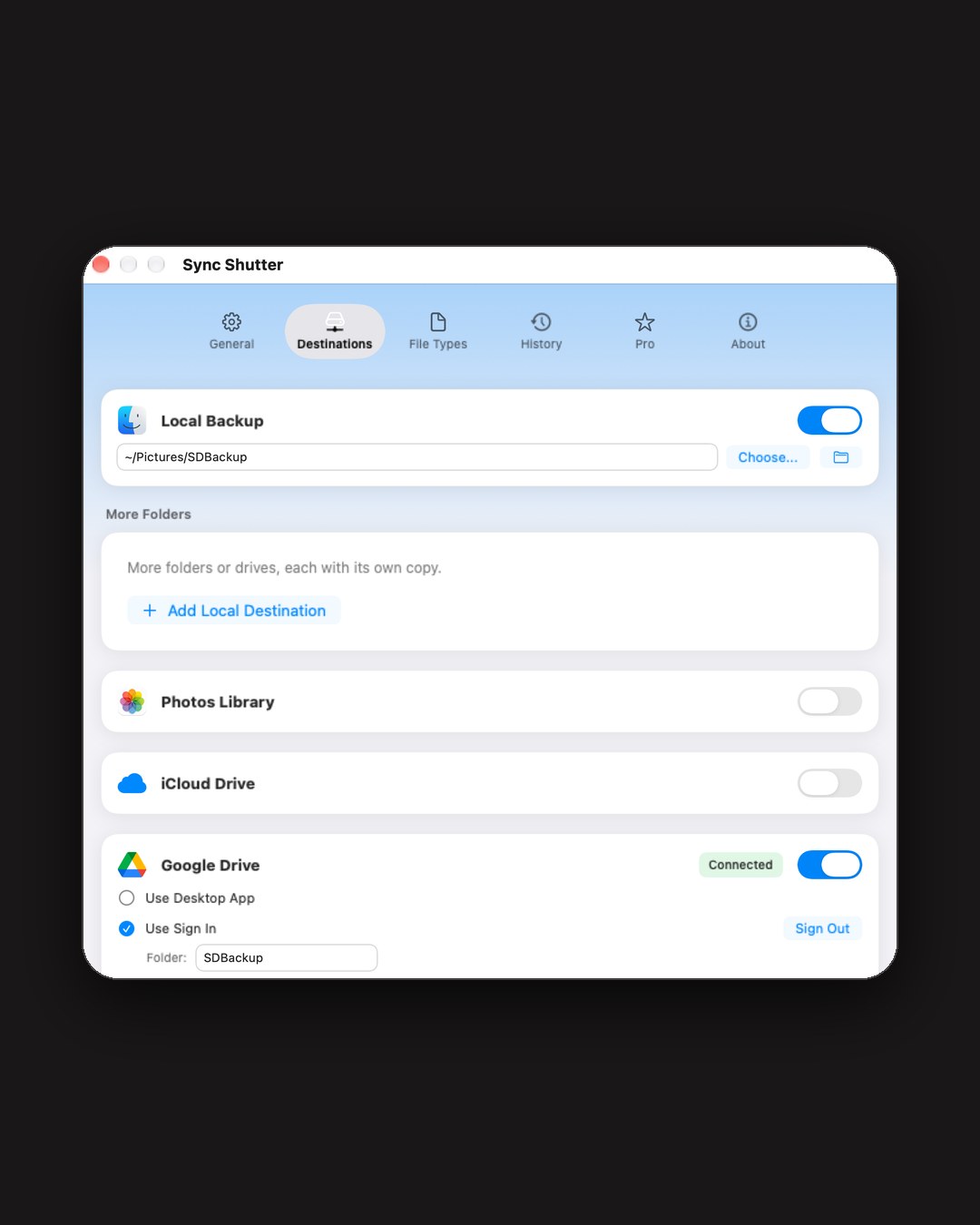
Switch destinations on and off in one place. With Pro on Mac, a card can have its own: the R5 card to your drive, Google Drive and NAS, the drone card to the NAS only. Rules follow the card’s volume name.
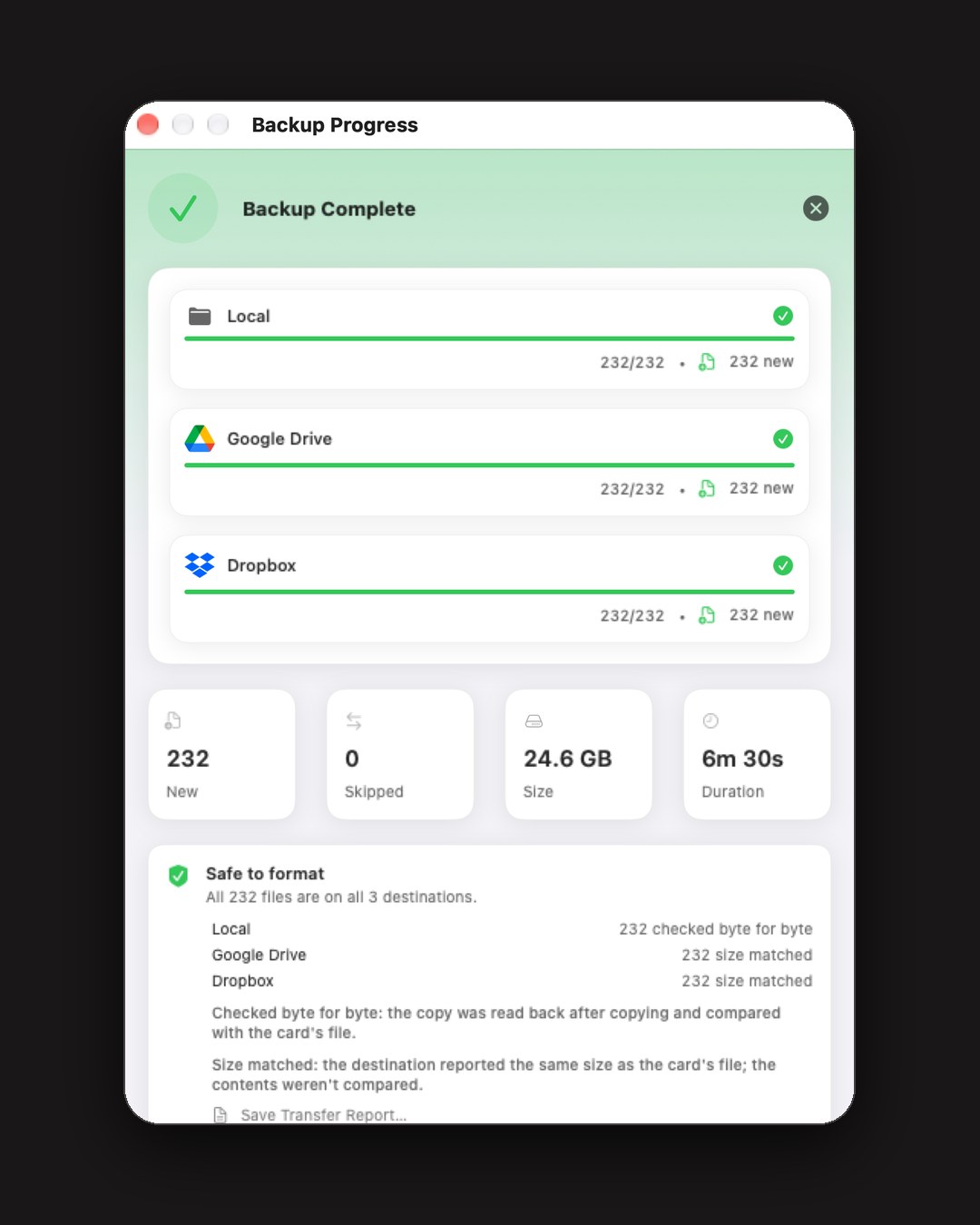
Every copy on every destination accounted for before you clear the card.
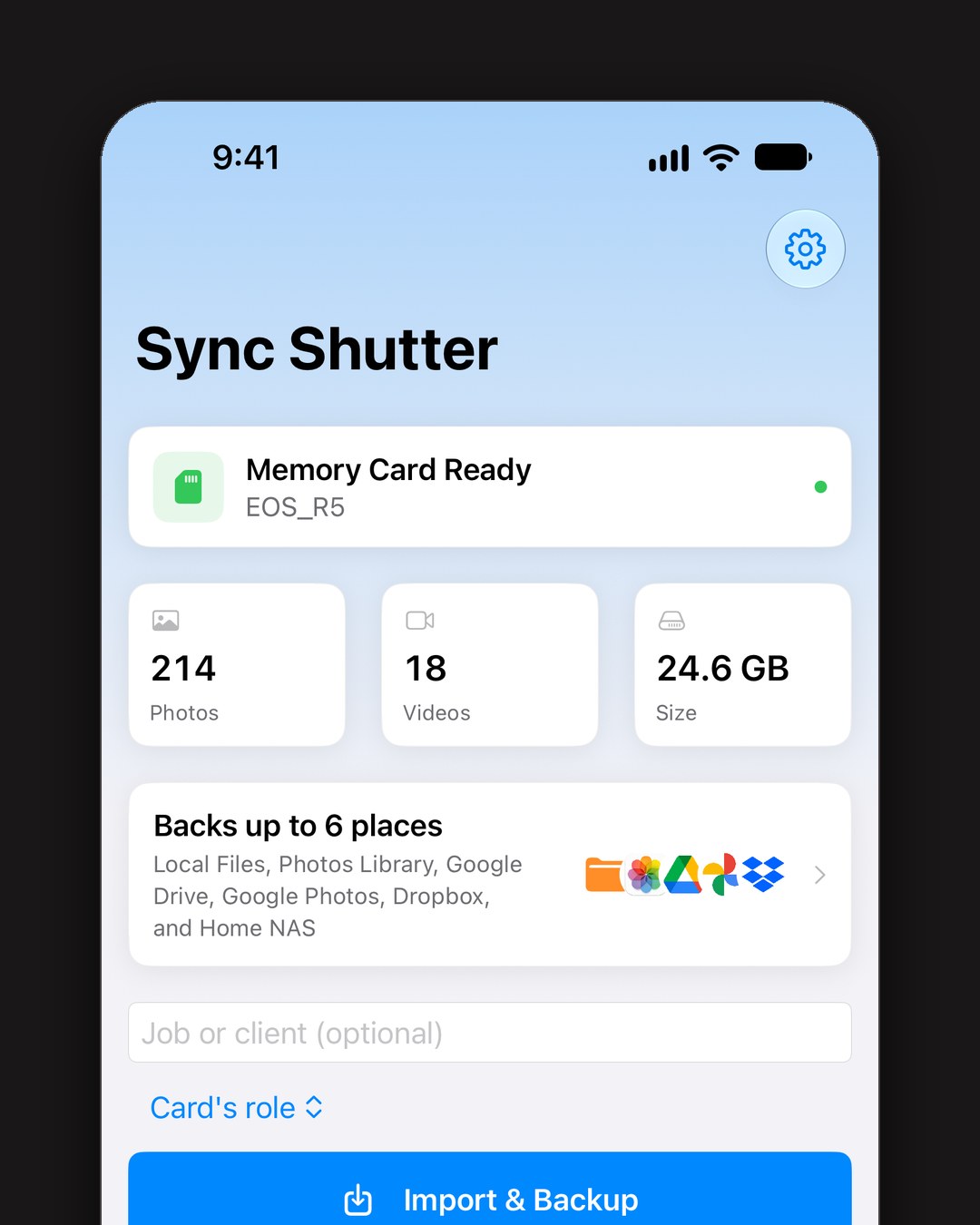
Plug a card reader into your iPhone or iPad and import to Photos, Files, the cloud or your NAS in one tap.
 Local folder or drive
 Adobe Lightroom
 Google Drive
 Google Photos
 Dropbox
 OneDrive
 iCloud Drive
 Apple Photos
No ads. No accounts. Your photos go from the card straight to the places you pick, never through our servers.
Your Google account
When you add Google Drive as a backup destination, Sync Shutter asks to create files in your Drive. It uploads your photos and videos to the folder you choose and checks that each copy arrived whole. It can see only the files it created.
When you add Google Photos, Sync Shutter asks to add photos to your library. It uploads your photos and videos into albums it creates. It can’t see, change or delete anything in your library.
Your photos go from your device straight to Google, never through our servers. How Sync Shutter handles Google data
Free for Mac, iPhone and iPad. Pro is one purchase for all three and adds NAS backup over SFTP or S3, cold storage tiers and RAW+JPEG rules.
The shoot ends. The story stays.
Free on Mac, iPhone and iPad